
Remove the background.
Keep the good stuff.
Turn your photos into transparent PNGs, right in your browser.
A little less background. A lot more possibility.
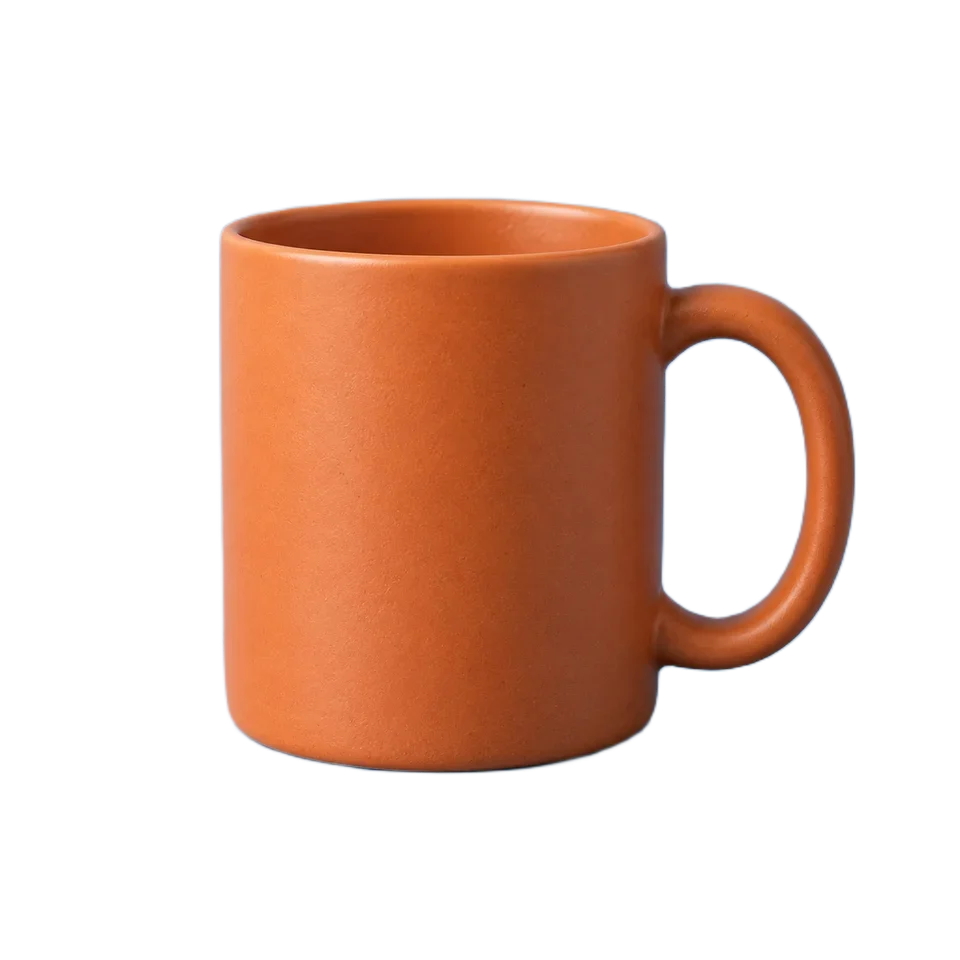
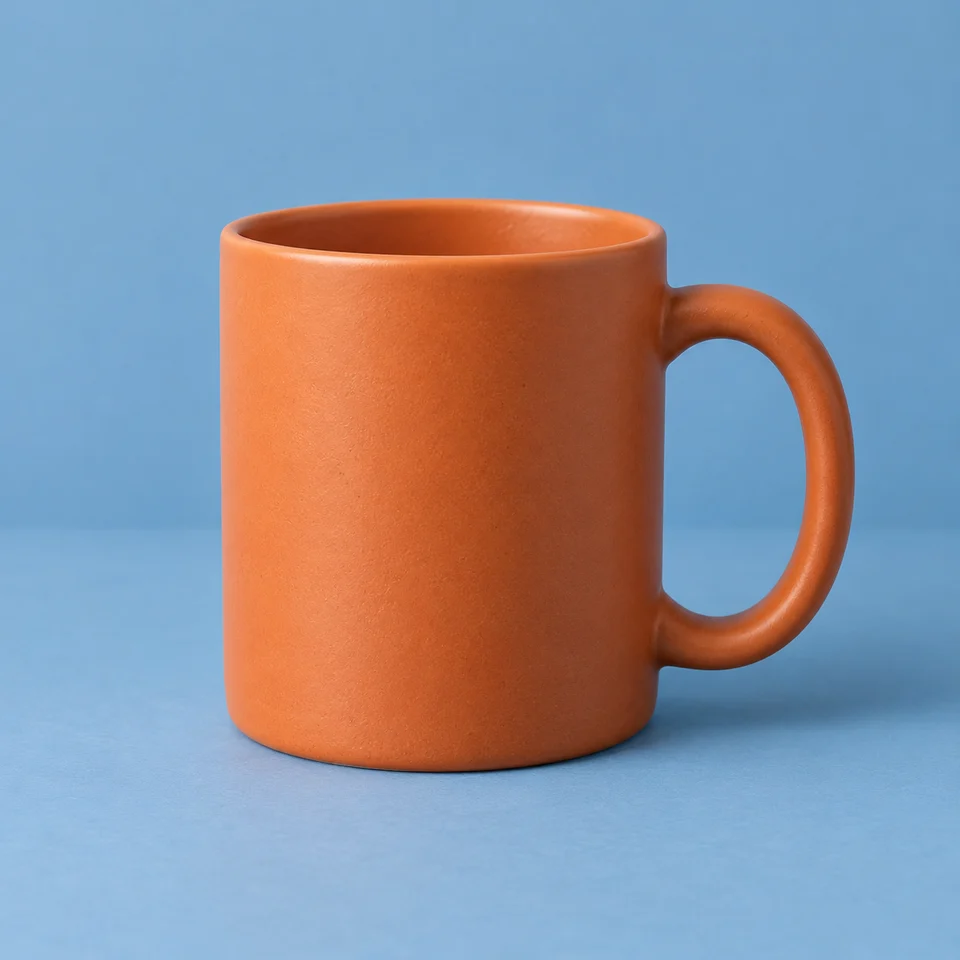
AI-generated sample. Actual BG GHOST export. See results & limitations.
Start with an image
or drag and drop here
JPG, PNG, or WebP · up to 20 MBFirst use downloads about 165 MB of compressed AI model files, which expand to about 192 MB. The model can be saved on this device for faster repeat use. Images and results never enter that cache. Clear site data in your browser to remove it.
- 01
Drop it in.
Choose a JPG, PNG, or WebP image up to 20 MB. Start with a clear subject for the best chance of a clean cutout.
- 02
Let the background go.
BG GHOST processes your image on your device. The first use downloads the AI model; speed depends on your device.
- 03
Make it yours.
Check the edges and download a transparent PNG at the original dimensions, where device memory allows.
One small edit.
So many possibilities.
For the things you sell, the stories you tell,
and everything you haven’t made yet.
Products with presence.
Give your product the spotlight. Prepare a reusable cutout for listings, launches, and your next campaign.
Explore product photosBackground? Gone.Your brand. No box.
Remove the visible background around raster artwork and make room for your brand.
Make a logo transparentFrom white to wide open.
Turn an opaque white backdrop into transparency you can build on.
Remove a white backgroundA fresh canvas for you.
Take your subject out of the scene and into a presentation, collage, or new design.
Make a transparent PNG Background? Gone.
Illustrative layouts using our sample cutouts. BG GHOST exports transparent PNGs; colored backgrounds are shown as design inspiration.
Background removal: before and after
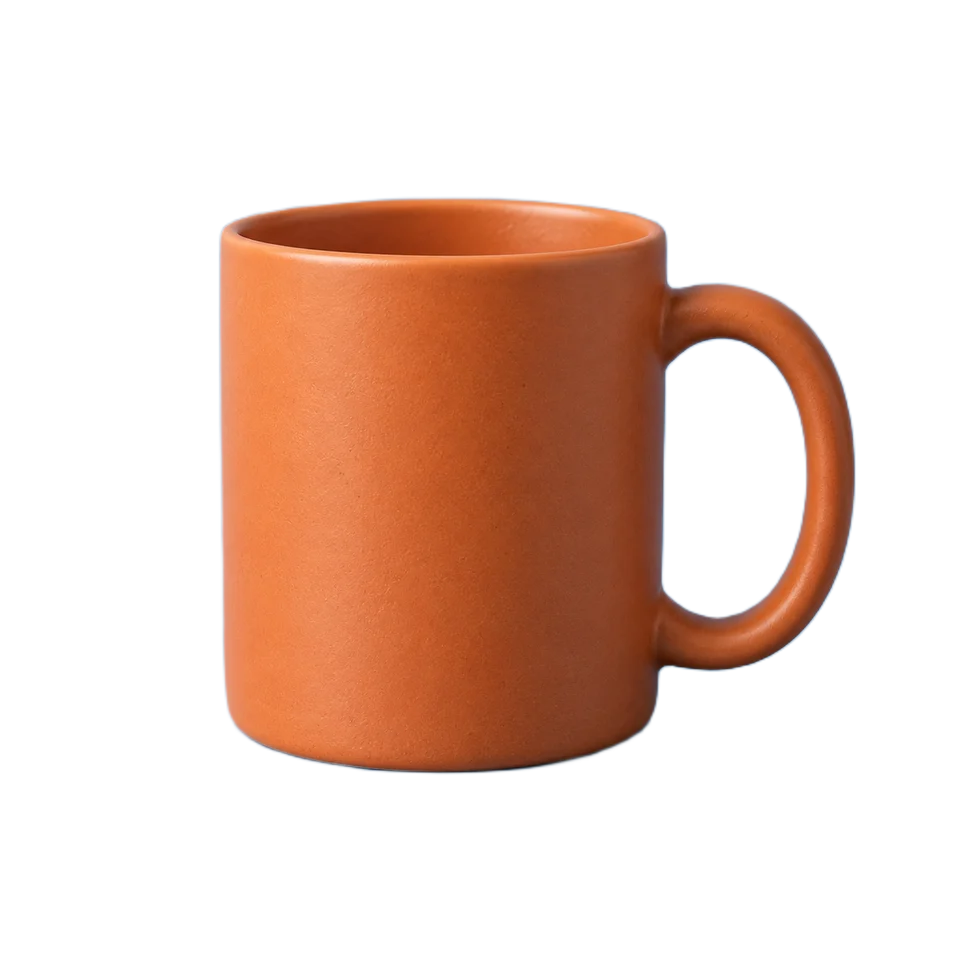
AI-generated source photos, processed with BG GHOST. The cutouts are actual tool exports with no manual retouching. Results vary by image.
A product photo, ready for a new layout
The blue backdrop and handle opening become transparent. A slight blue fringe remains at some edges; check the original PNG on your intended background.

A portrait, without the room behind it
The room is removed, but some pale background remains around the curls. Fine hair needs a closer check before using the cutout in a design.

The checkerboard shows transparent areas. It is not part of the downloaded PNG.
Your photos don’t
need to go anywhere.
The editing happens right here, in your browser. Your image isn’t uploaded to our server or saved in a cloud gallery. The browser can cache the AI model for repeat visits; your photos and cutouts stay out of that cache.
Get to know our privacy promiseGood to know
Is my image uploaded anywhere?
No. Your selected image stays in browser memory and is processed on your device. The browser downloads static AI model files, but it does not send your image to our application server.
Which image formats work?
You can upload JPG/JPEG, PNG, or WebP files up to 20 MB. The image must decode successfully and fit conservative browser memory limits.
What format will I download?
A transparent PNG at the original image dimensions when processing succeeds. The AI estimates the foreground at 512 × 512 pixels, so original output dimensions do not guarantee that every fine edge is preserved.
Why does processing speed vary?
The AI runs on your device. The first use downloads about 165 MB of compressed model files plus the runtime. Where supported, the browser saves about 192 MB of model data for later visits. Your photos are not saved. Repeat visits can avoid the model download, but each image still needs processing; slower devices can take a few minutes.
Your next idea
starts with less.
Let’s remove a background Free to use. No account needed.